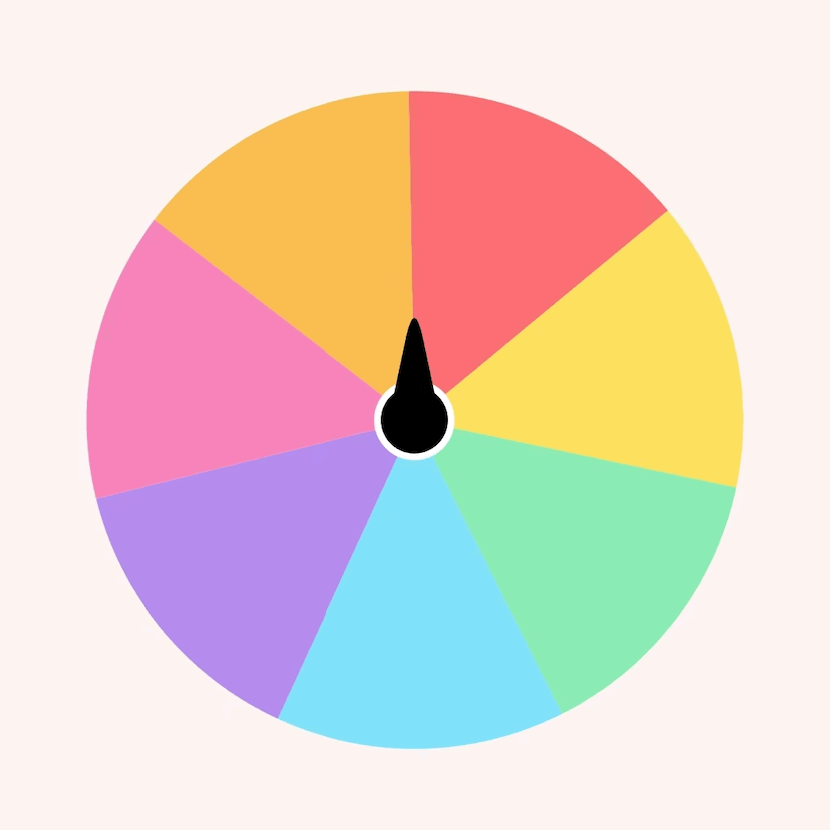
Choose a screen color
Turn the display into a solid-color light for a nearby scene.
 freoza.
MOOLIGHT / A FREOZA APP
Use your screen as a colorful light for photos, parties, and everyday moments. For screen fill light, a colorful desk or a gentle reading setup.
See compatible devices on the App Store
See the app and App Store for pricing, free allowances and purchase options.
Turn the display into a solid-color light for a nearby scene.
Adjust colors, timing and transitions for an optional flashing effect.
Keep favorite light settings and set a countdown to switch the light off.
Start with a solid screen color.
Position the device and choose brightness and effects appropriate for the scene.
Keep a useful setup or set an off timer.
FAQ
The available light depends on the screen, distance and surroundings. It is most useful nearby; it is not a claim of professional lighting output.
No. Use a steady color for a continuous light. Avoid flashing effects if you or people nearby are sensitive to them.
Privacy policy · Version, pricing & privacy on the App Store
Product information checked:
MOOLIGHT
For screen fill light, a colorful desk or a gentle reading setup.
Download on the App Store
Bring Live Photos, videos, and still images together in a moving collage.
Arrange photos and videos into color-inspired layouts for your colorwalk memories.